
In this article, we’re taking a deep look at the Sculpfun V5, one of the most thoughtfully designed UV laser engravers I’ve tested so far. We will explore exactly what sets this machine apart from the competition, and then put it through a wide range of rigorous laser engraving tests to see how it performs on different materials. Whether you are looking to scale your workshop or launch a side hustle, you will see why this UV laser is one of the best tools available for creating custom merchandise of virtually any kind.
Table of Contents
*The links on this website can be affiliate links. I earn a small commission at no extra cost to you. When you buy through these links you will support this website, which helps me to run this website(which cost money and a TON of time) and provide all these extensive reviews and information to you for free, without any paid membership.
Sculpfun V5 – An Exceptionally Well-Engineered 5W UV Laser Engraver
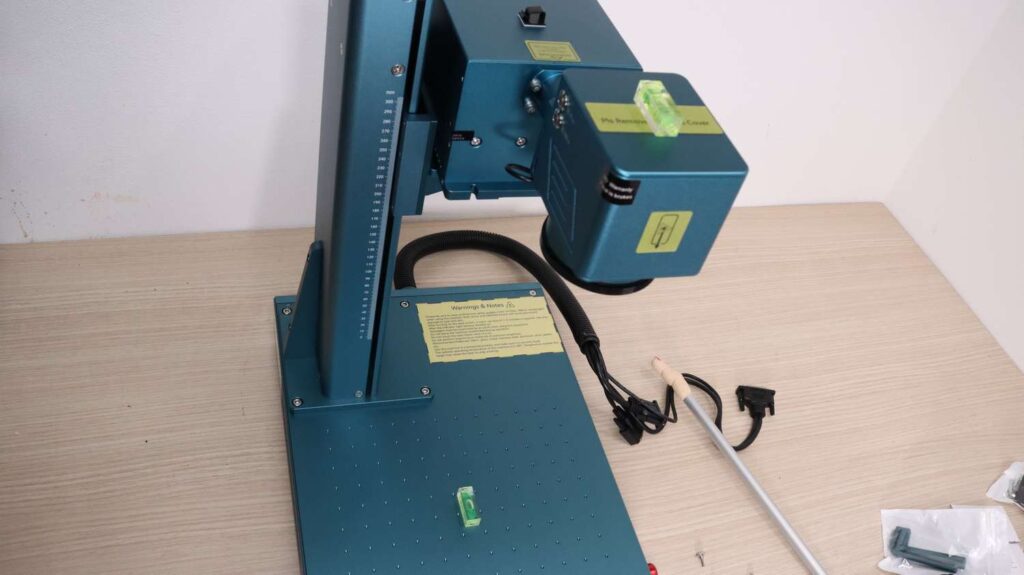
You can buy the Sculpfun V5 in the Sculpfun official store. Even before I started assembling the machine, I noticed a standout hardware feature that I haven’t seen on any other galvo-style laser engraver. The mounting bracket for the lifting column contains a small printed circuit board (PCB) that mates with spring-loaded contacts directly on the column itself. These internal contacts supply power to the lifting motor, completely eliminating the need for an external cable like those found on most other systems. Not only does this keep the workspace incredibly clean, but it also completely prevents cables from getting tangled during operation.
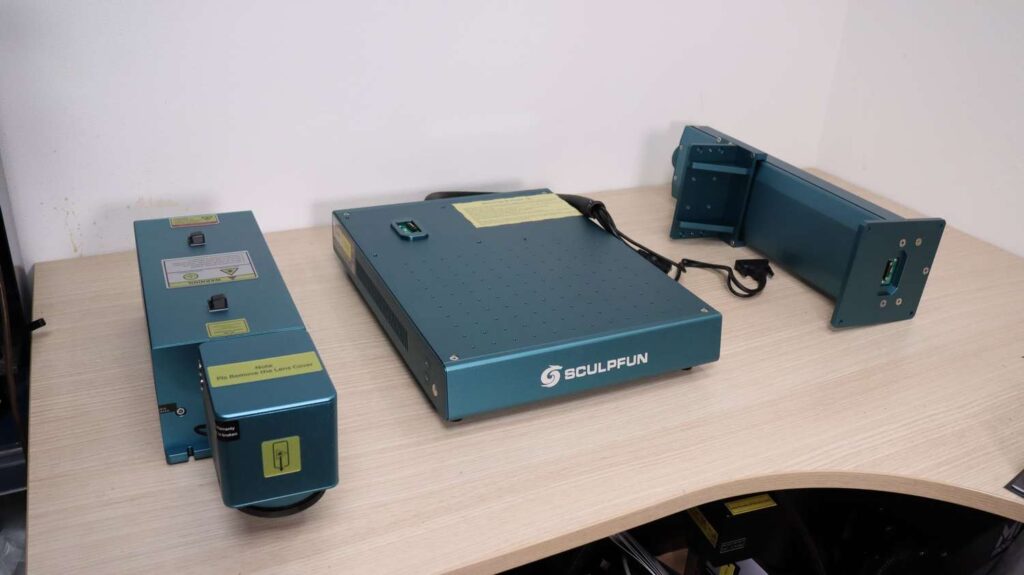
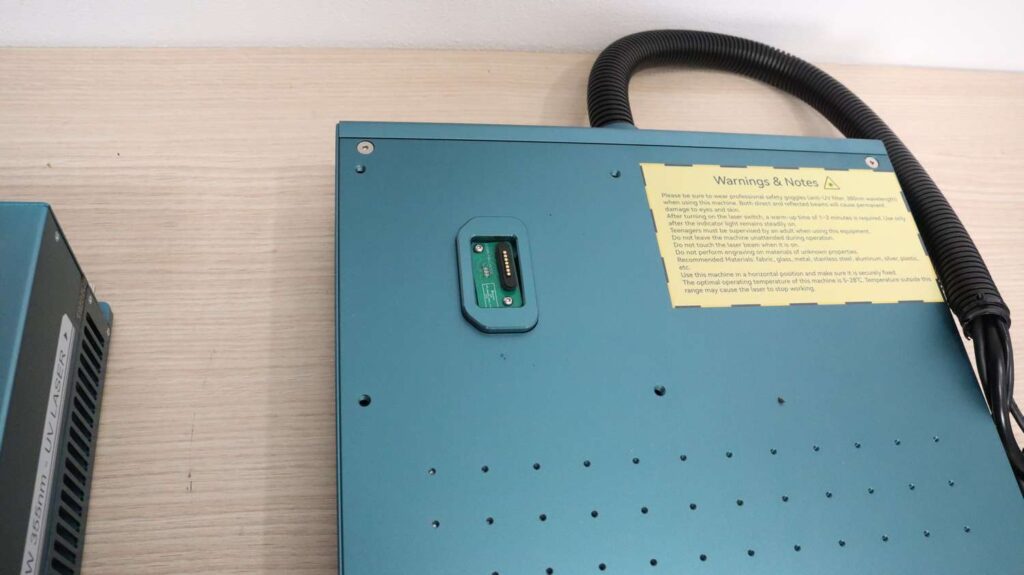
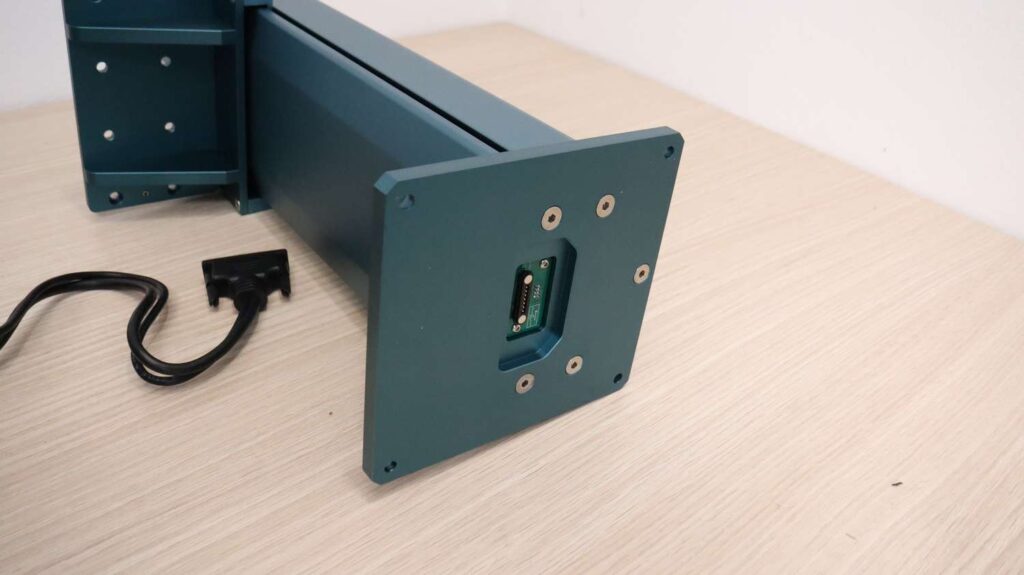
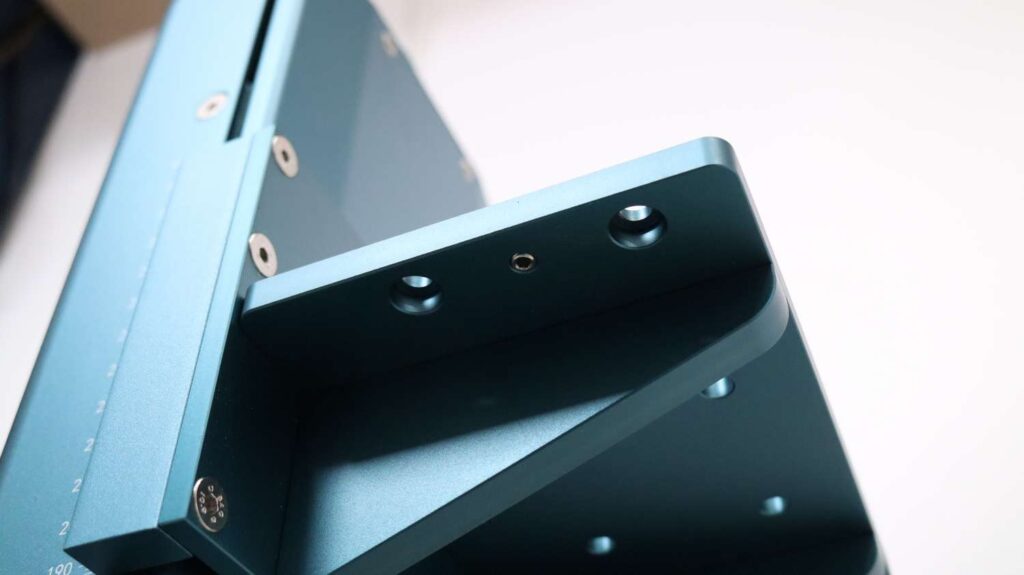
As I continued the assembly, I discovered another clever engineering choice. On the lifting platform, there’s a small grub screw designed to allow users to precisely adjust the angle of the laser head, ensuring that it sits perfectly parallel to the worktable. This helps maintain consistent focus and engraving performance across the entire work area. With other galvo engravers, I’ve often had to use shims and spend time manually leveling the head, making this a very welcome, time-saving addition.
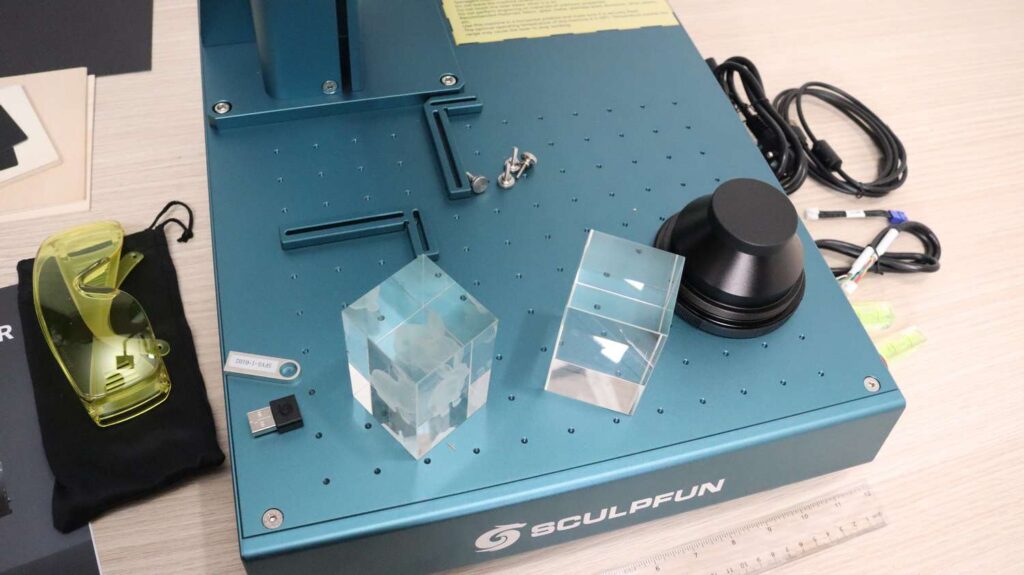
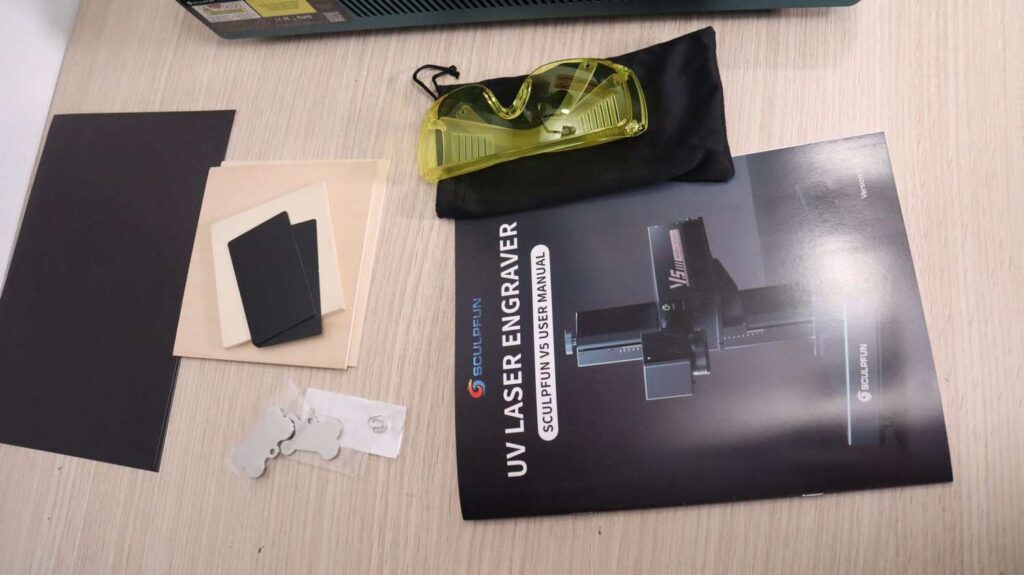
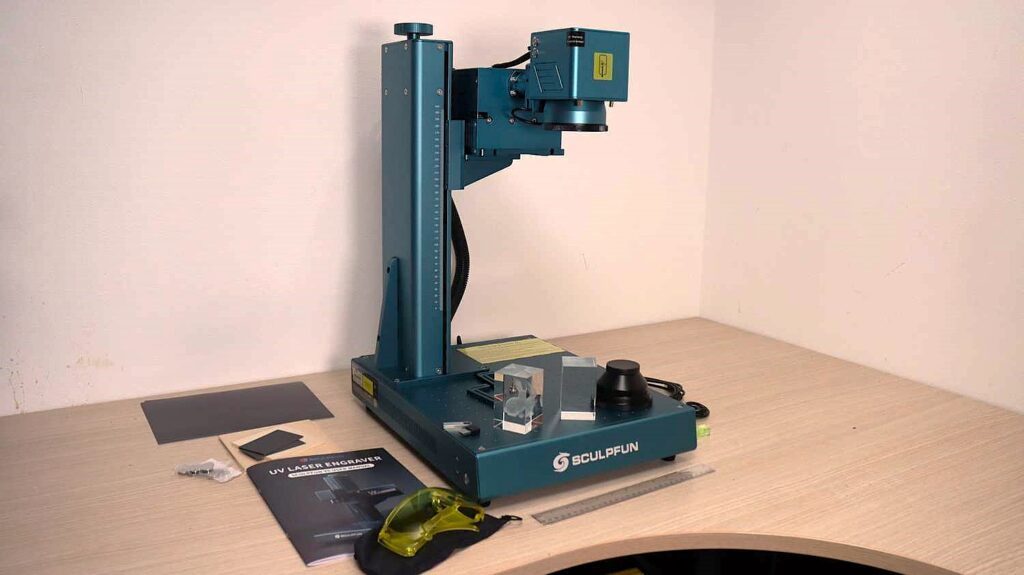
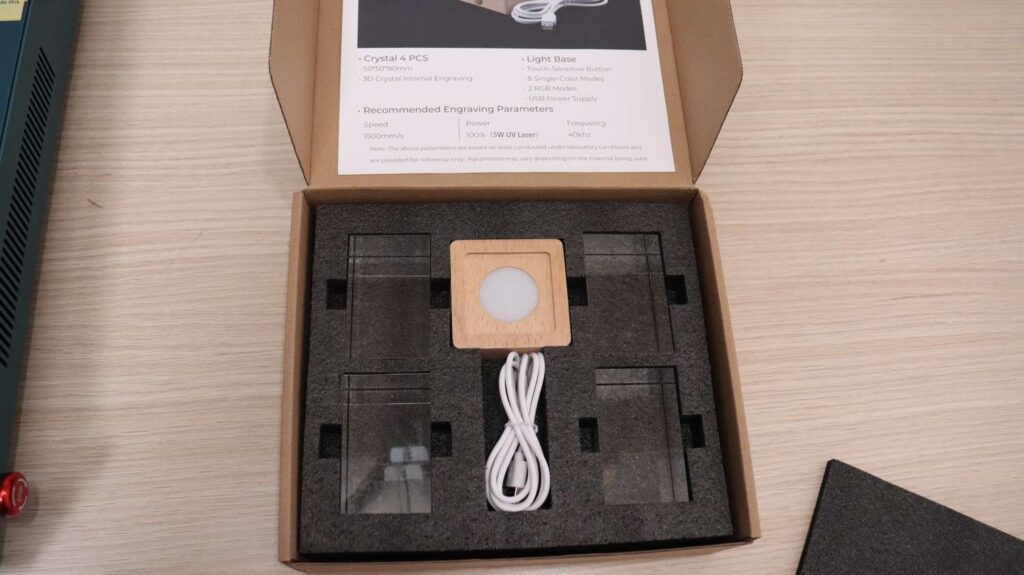
Once the machine was assembled, I took a closer look at the included accessories. Inside the standard kit, you receive safety glasses, a detailed assembly and operation manual for both LightBurn and Sculpfun’s proprietary SGD Laser software, several test materials, a USB drive containing material settings files, and a USB security key that prevents unauthorized use. My package also included a sample crystal engraving, a blank crystal for testing, and the specialized 70mm lens used for 3D inner-glass engraving (while the standard lens supplied with the machine is a 150mm lens). In addition, you get positioning brackets, bubble levels, essential cables, and a precision measuring ruler.
Controls, Connections, and Technical Specifications
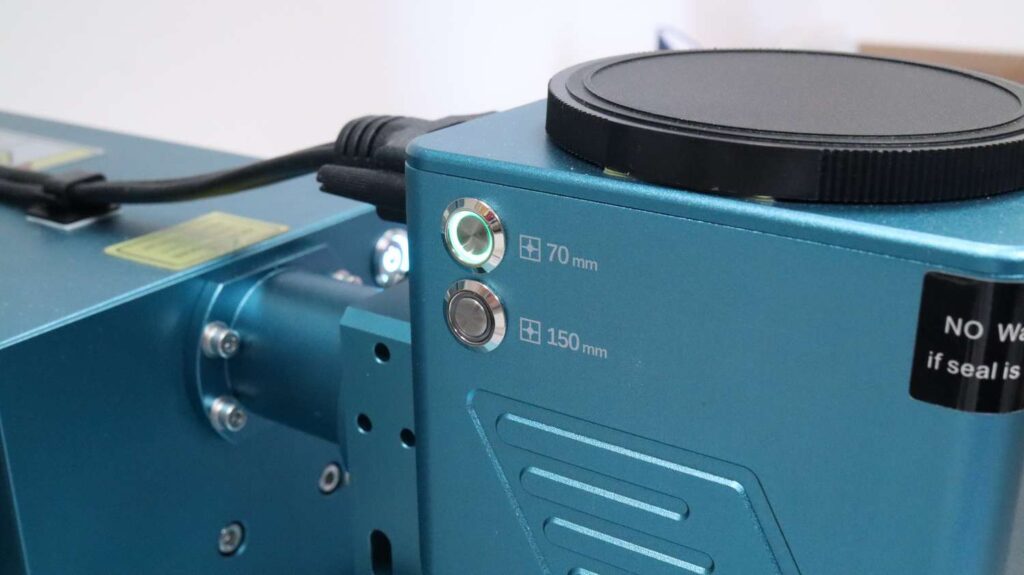
The layout of the chassis is highly user-centric. On the right side of the machine, there’s a conveniently placed emergency stop button for immediate safety. On the opposite side, you’ll find the primary controls for adjusting the focus height. The laser head features dual buttons that allow you to quickly select the correct red laser pointer depending on which focusing lens is currently installed. There’s also a dedicated laser source enable switch and a control toggling the red-light preview output. One premium detail is that the entire machine is assembled using stainless steel screws, ensuring excellent durability and rust resistance over time.
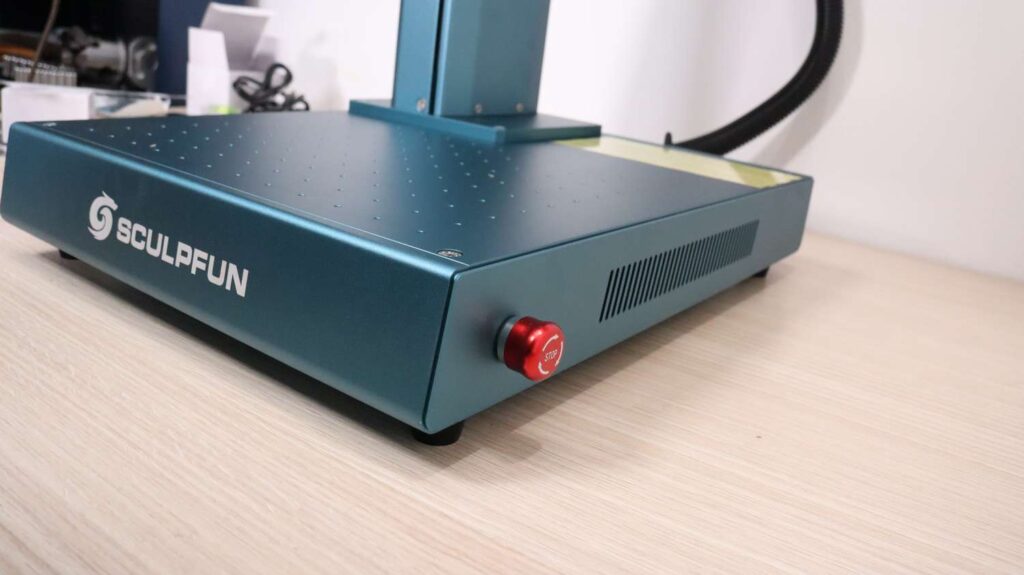
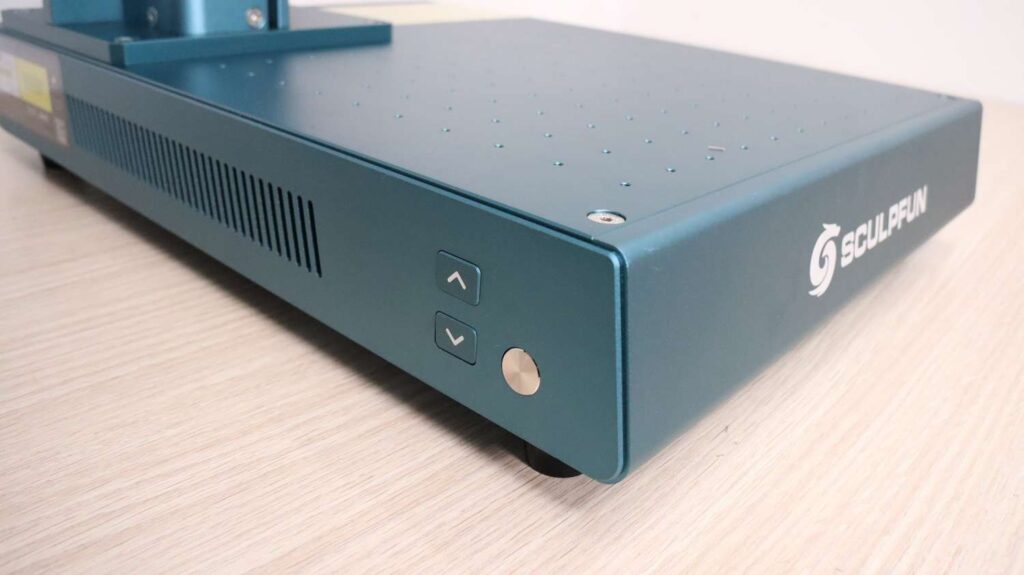
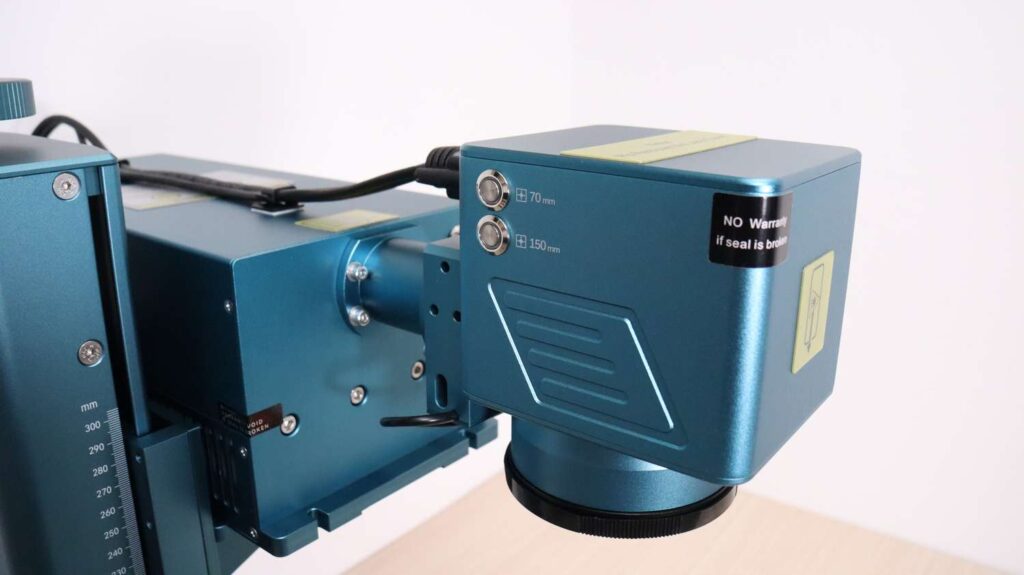
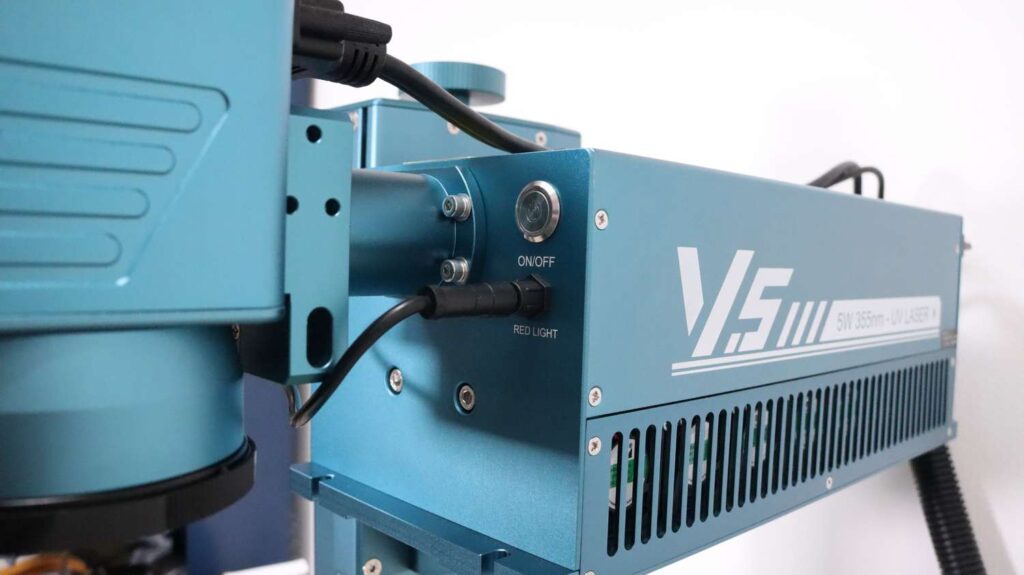
Another physical mechanism that impressed me is the manual focusing mechanism. When turning the manual focus adjustment knob, it rotates with very little resistance because the internal mechanism decouples it from the motor. This makes precise manual adjustments significantly easier compared to conventional systems where you are forced to fight against the resistance of the motor itself. For thermal management, the UV laser source is air-cooled using several high-efficiency small fans.
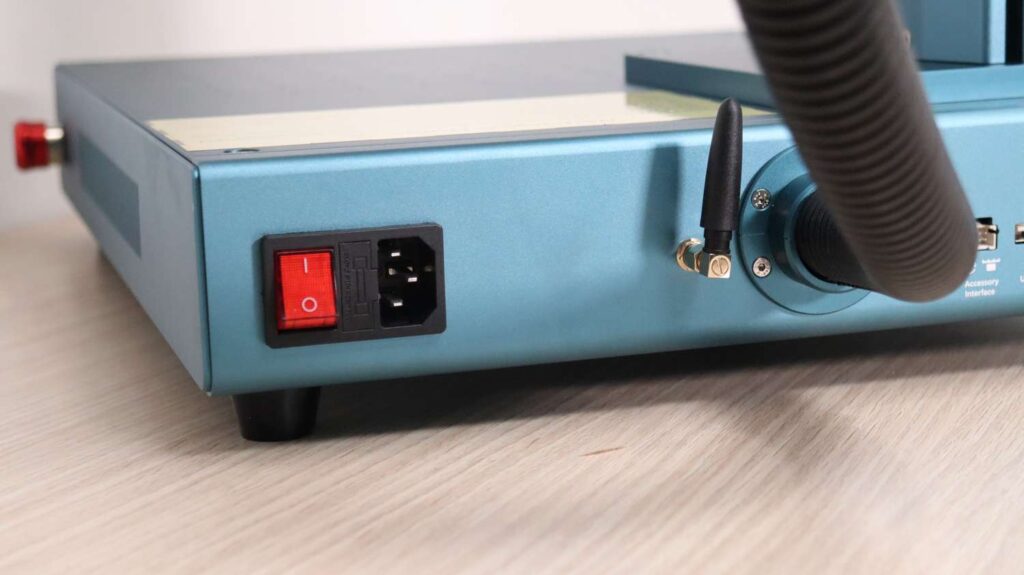
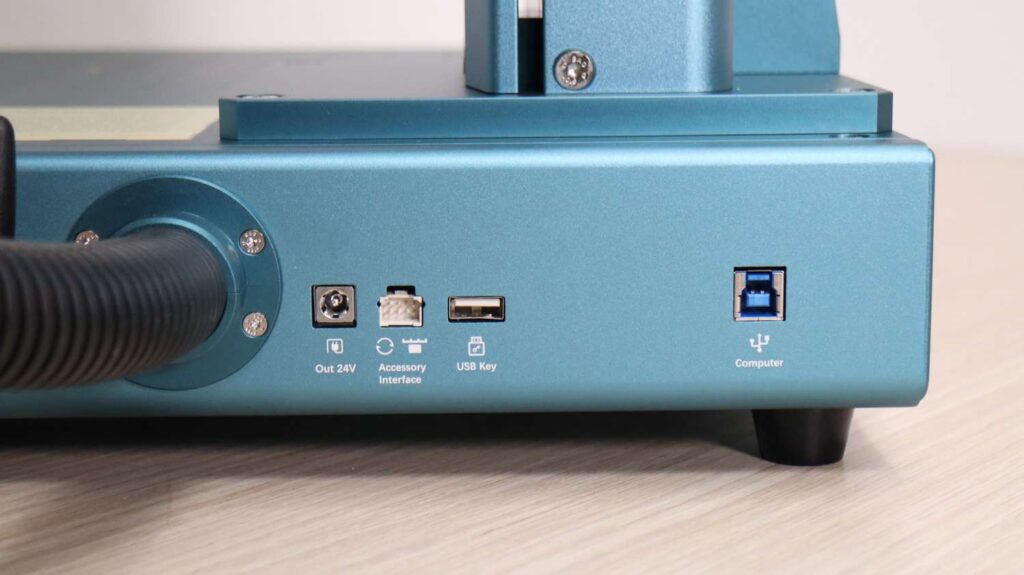
On the rear panel of the machine, you’ll find connectors for external hardware accessories, the USB security key slot, a high-speed USB connection for your computer, and a dedicated Wi-Fi antenna for wireless connectivity options.
Material Testing: Benchmarking the UV Laser Performance
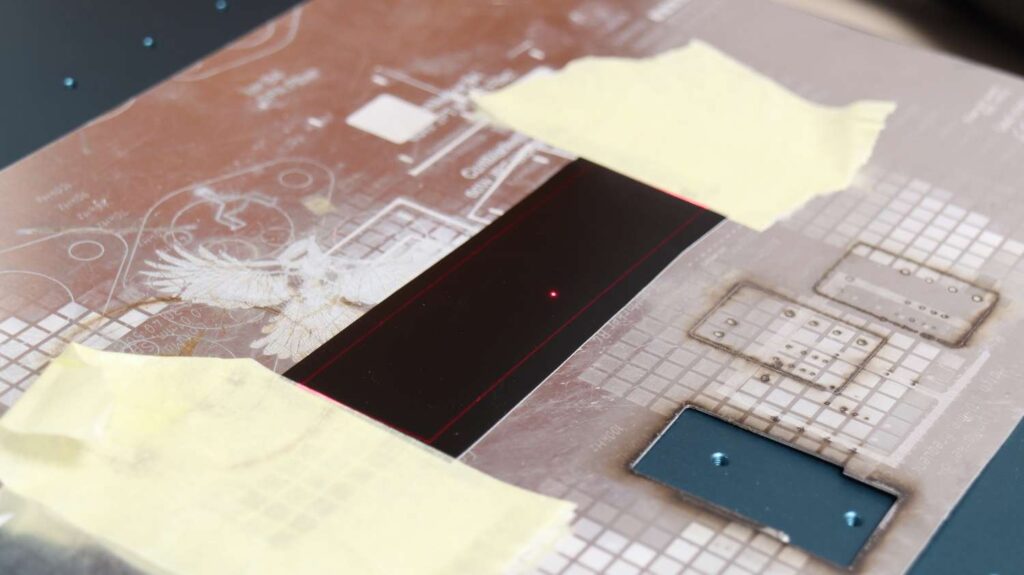
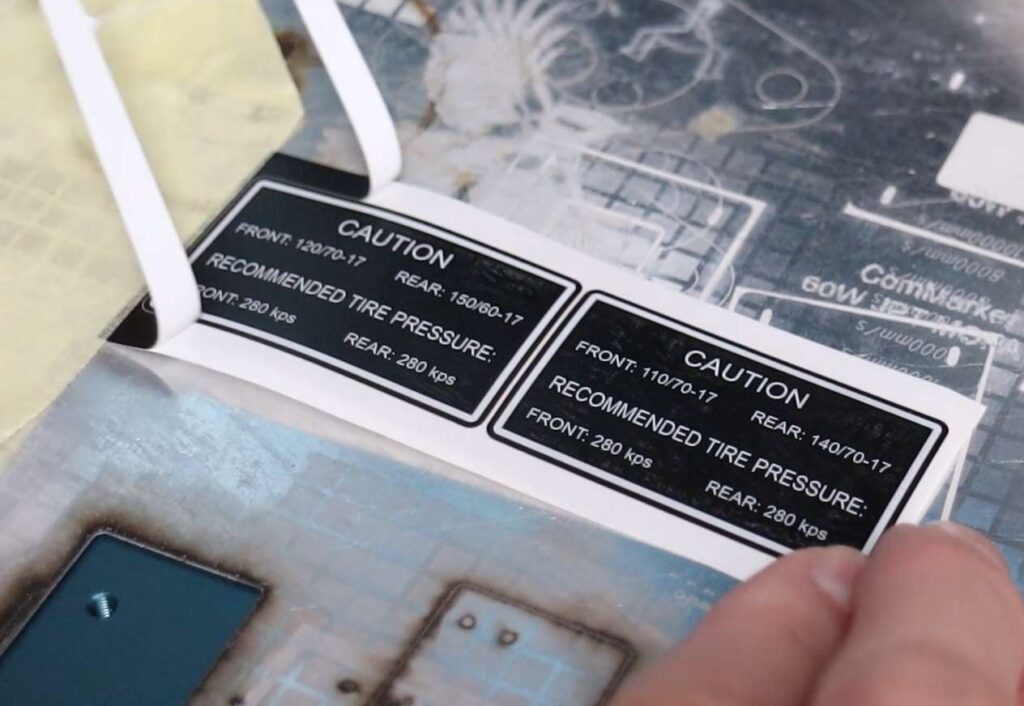
With the assembly and calibration complete, it was time to run production tests. The first material tested was laser-engravable tamper-proof sticker tape. The Sculpfun V5 uses a red-light preview instead of the active UV beam for positioning, making it incredibly easy to see exactly where your graphics will line up. This material engraves beautifully. It is also remarkably simple to dial in the correct cutting settings to cut through the sticker without damaging the backing layer. The result is a professional-grade tamper-evident asset tag that breaks into tiny pieces if anyone attempts removal.
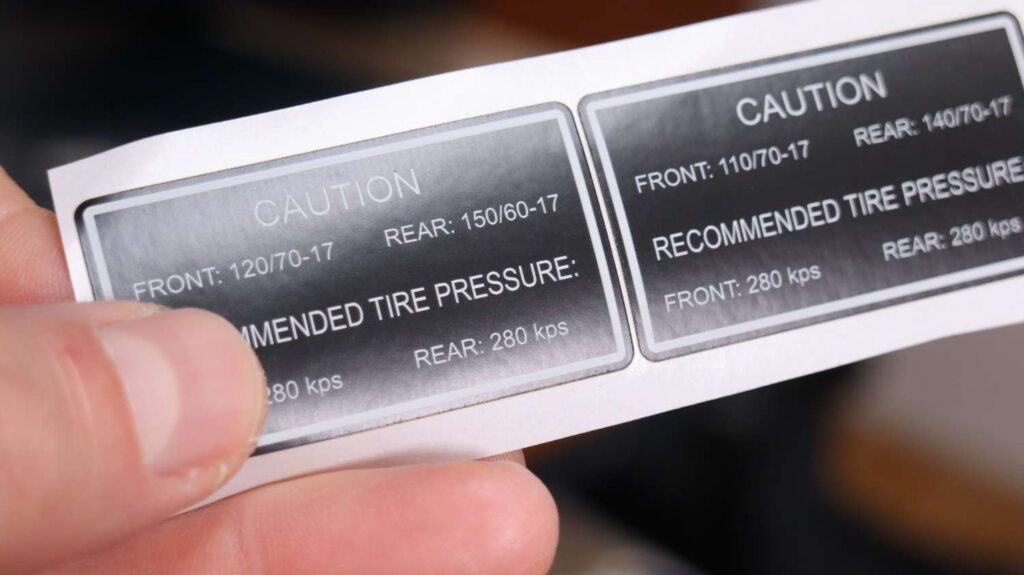
One of the biggest advantages of UV laser technology is the ability to engrave an extremely wide variety of materials. Because UV lasers work via cold ablation (breaking chemical bonds rather than generating thermal distortion), they create extremely smooth, high-contrast, and durable engravings on heat-sensitive items.
1. Plastics and Polymers
Plastic promotional items such as disposable lighters engrave beautifully and take only a few seconds to complete. Another lucrative business opportunity is engraving cosmetic jar lids; these respond exceptionally well and produce a clean, premium finish. Most white plastics also engrave with crisp detail—a standard vitamin bottle produced excellent high-contrast results suitable for everything from branding logos to expiry dates and product information.
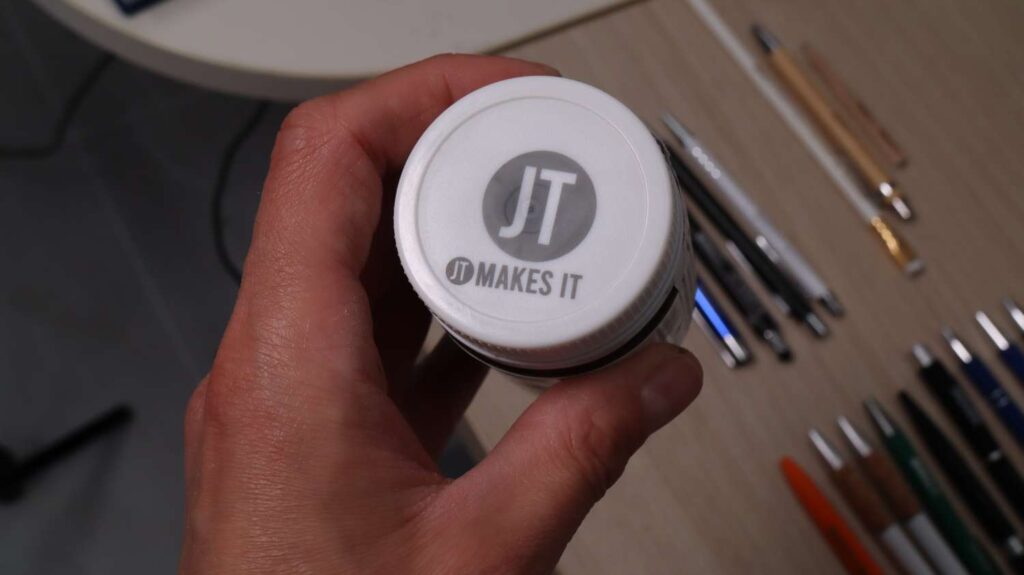
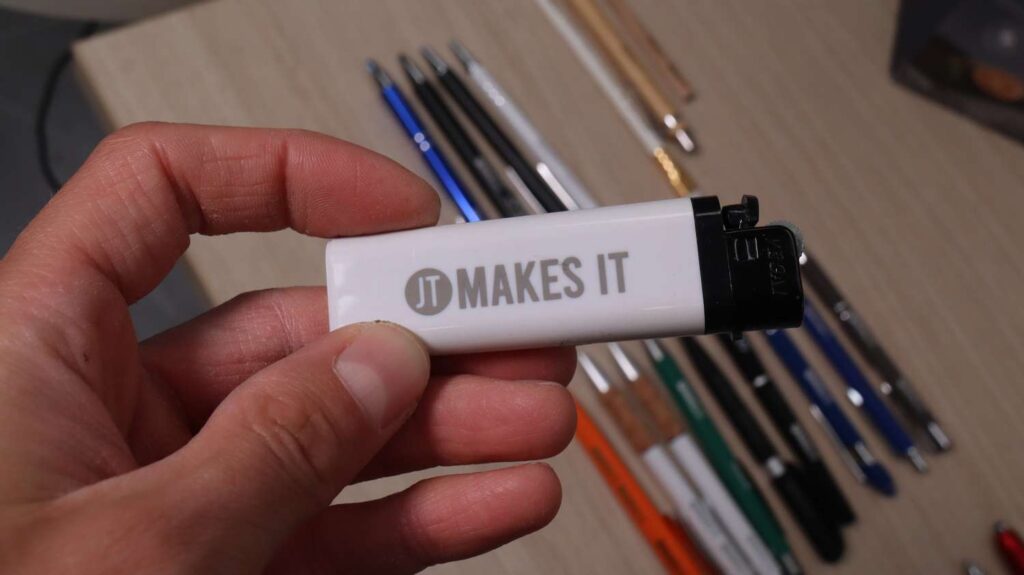
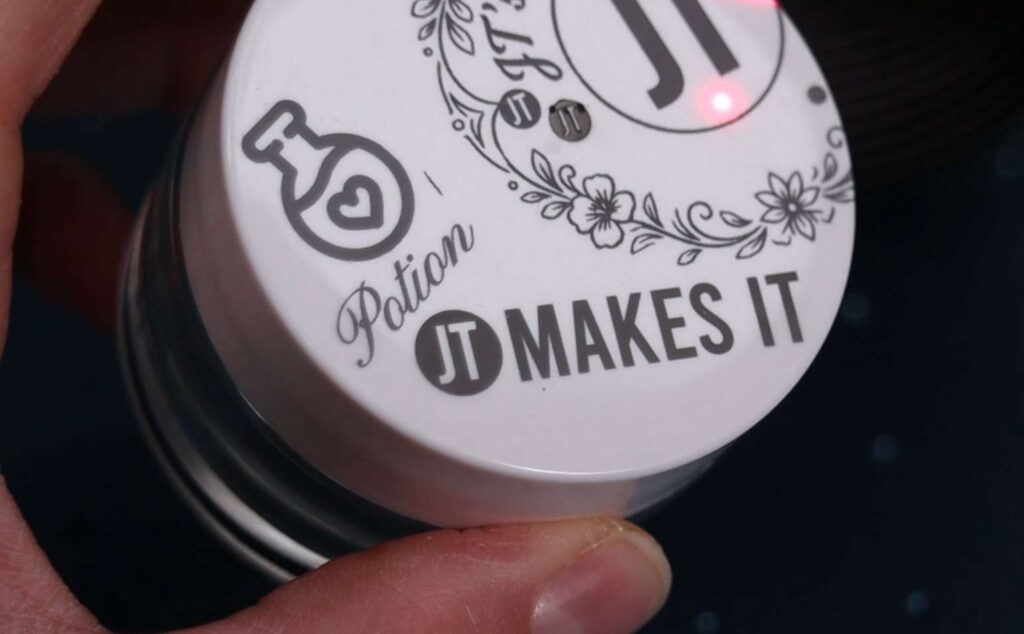
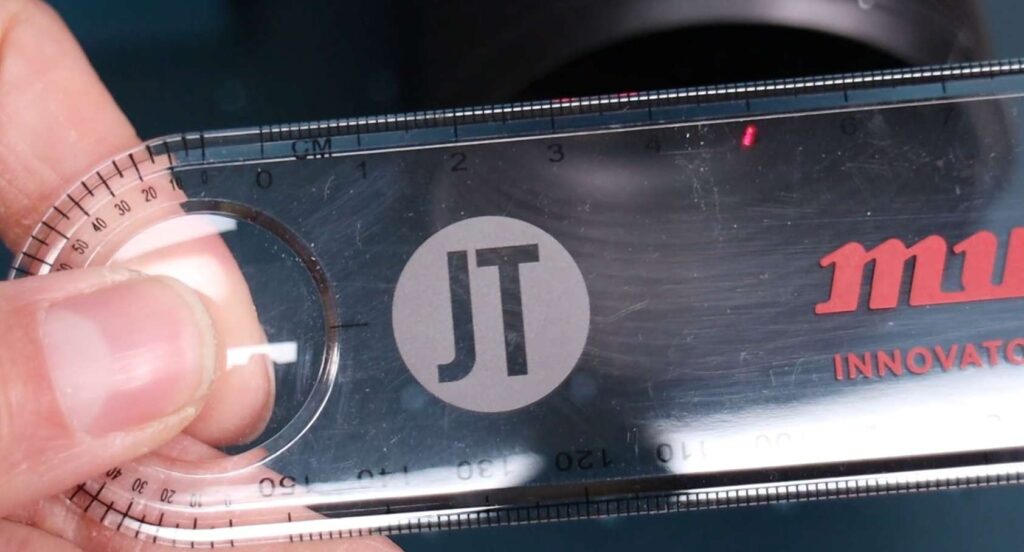
Some transparent plastics, such as a standard plastic ruler, can also be marked successfully. However, material composition matters: certain opaque plastics do not respond nearly as well. Conversely, ABS plastics (including bottle caps and shaker containers) engrave particularly well with excellent surface quality.
2. The Multi-Material Pen Test
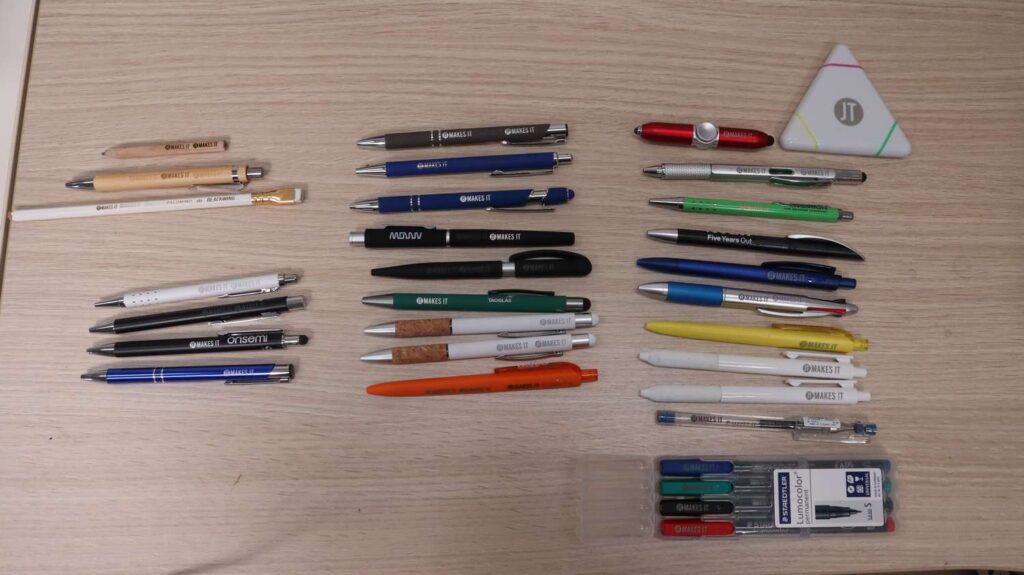
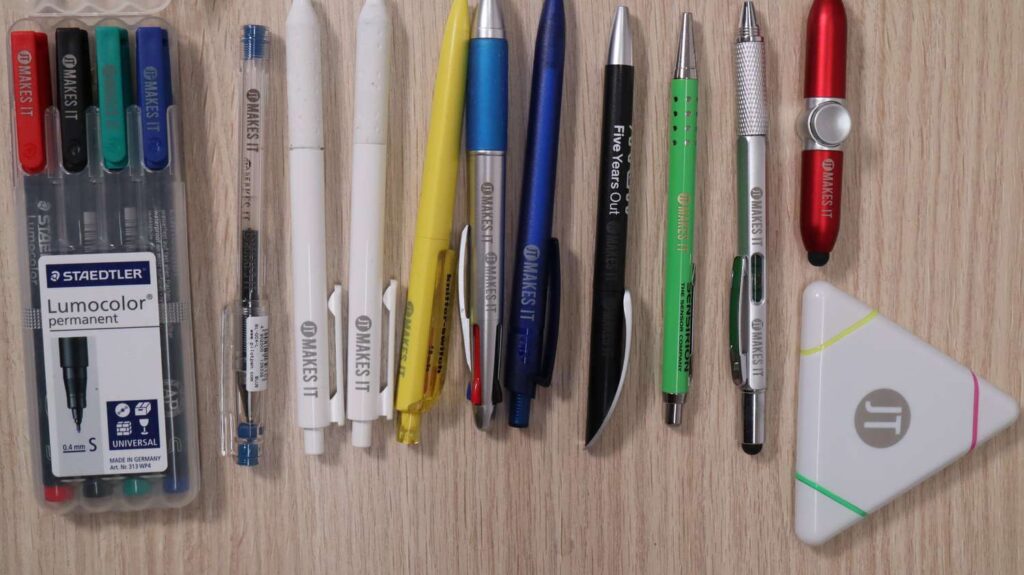
To evaluate how the machine handles common promotional merchandise, I tested a diverse collection of ballpoint pens gathered from trade fairs. Every pen required slightly tailored parameters, but a good result was achieved in just a few attempts. (Note: I have saved all of these parameters into a LightBurn material library for you to download HERE).
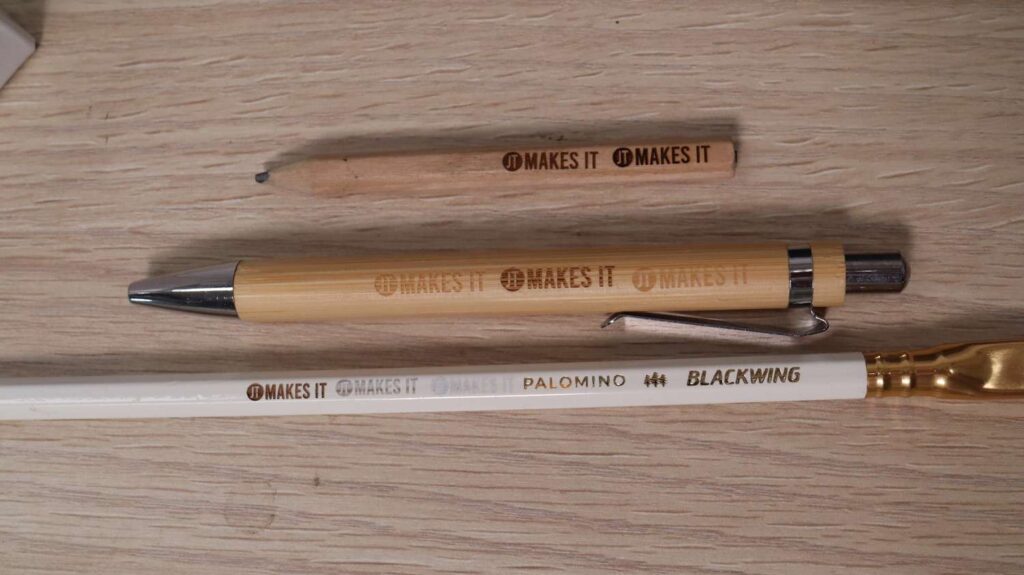
Wooden Pens: Very easy to engrave, allowing for varying depths and rich visual contrast.
Metal-Barrel Pens: You can either cleanly strip the paint/coating to expose the raw metal underneath or mark directly onto the coating. Exposing the underlying metal produces the most striking, wear-resistant results.
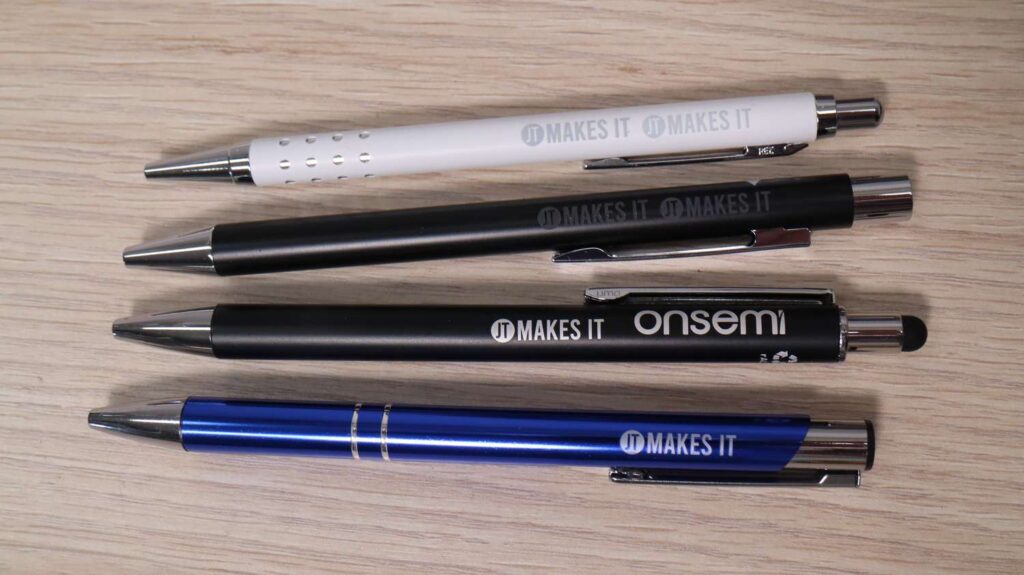
Rubber-Coated Pens: Stripping the outer rubber layer to reveal the underlying barrel creates beautiful contrast, though lighter-colored rubber coatings can also be marked directly for a subtle effect.
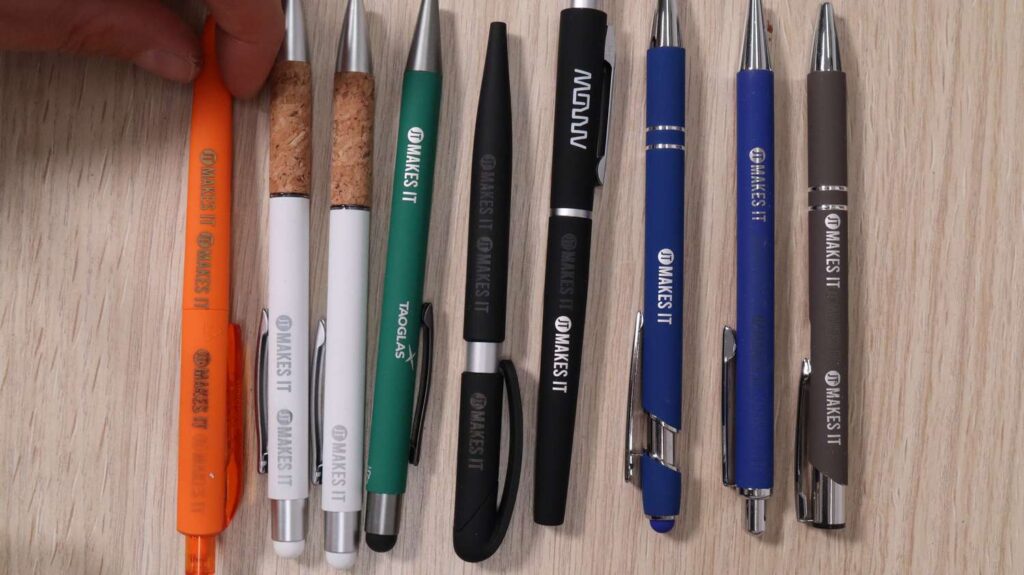
Hard Plastic Pens: Most hard polymers engraved wonderfully, though some required slightly more aggressive settings than standard white plastic. The only outlier was fully transparent pens, which did not yield a satisfying result. On a green plastic pen, the UV beam produced a beautiful, gold-colored appearance.
Metal, Wood, and Premium Promotional Gift Items
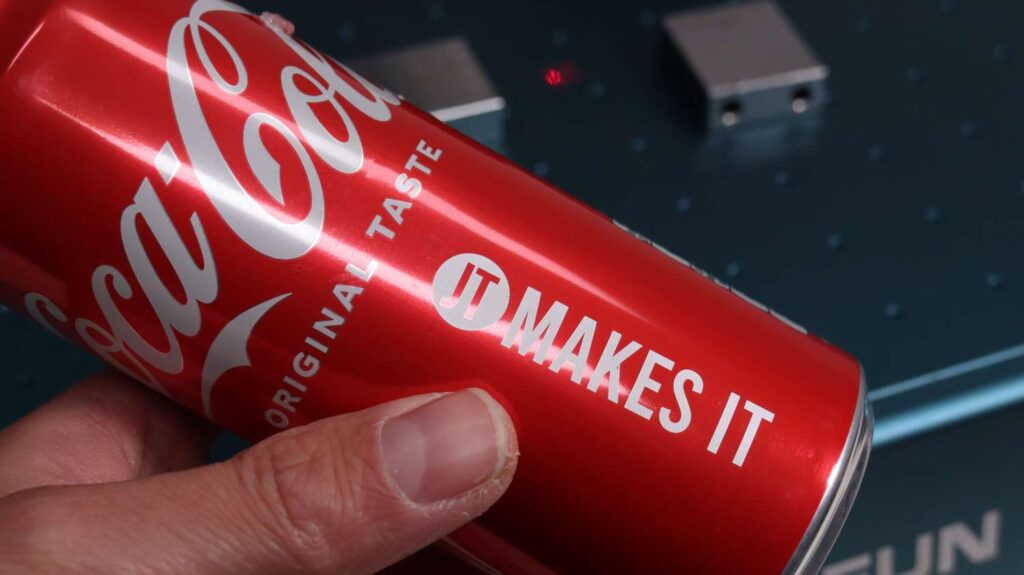
Moving beyond plastics, I tested the machine on a variety of popular commercial merchandise. Soft drink cans can be customized rapidly for events or giveaways; the UV laser creates a bright white marking that looks factory-made.
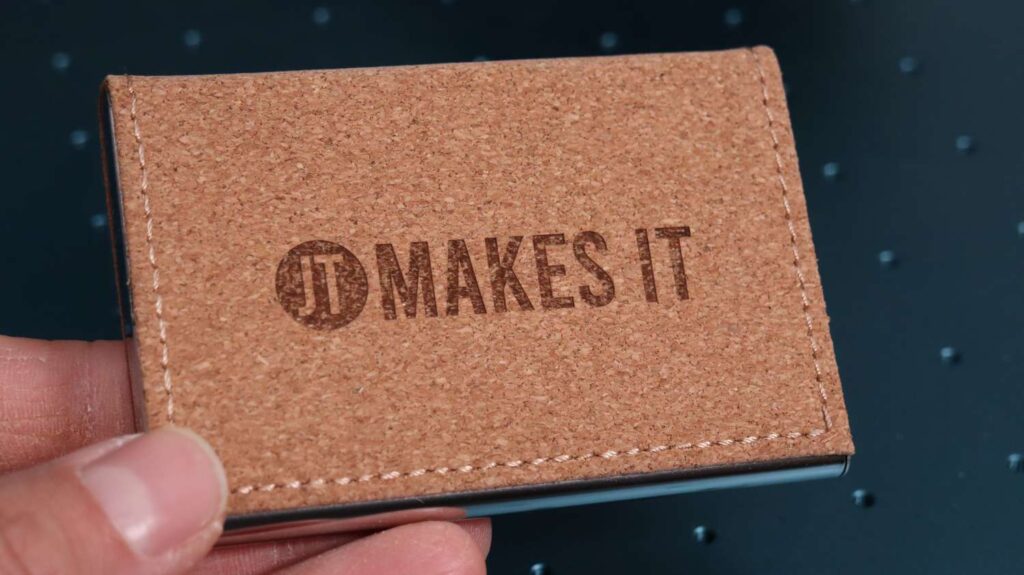
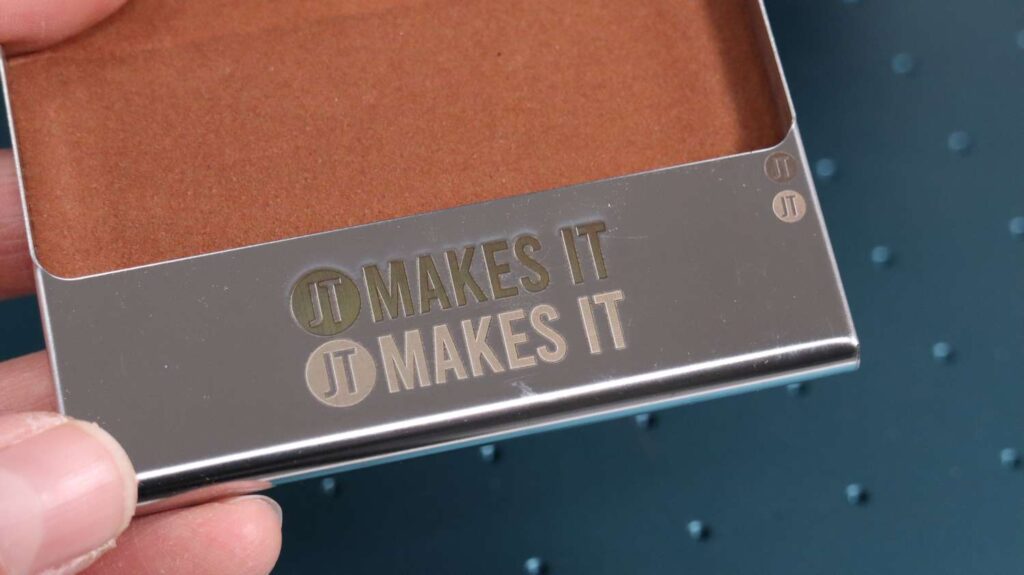
A business card holder made from cork engraved beautifully with a deep, professional aesthetic mark.
When testing the polished metal body of the card holder, my initial high-power pass produced a brown discoloration. However, running an additional high-speed cleaning pass on the bottom engraving completely transformed the result—the final marking was bright, permanent, and perfectly etched.
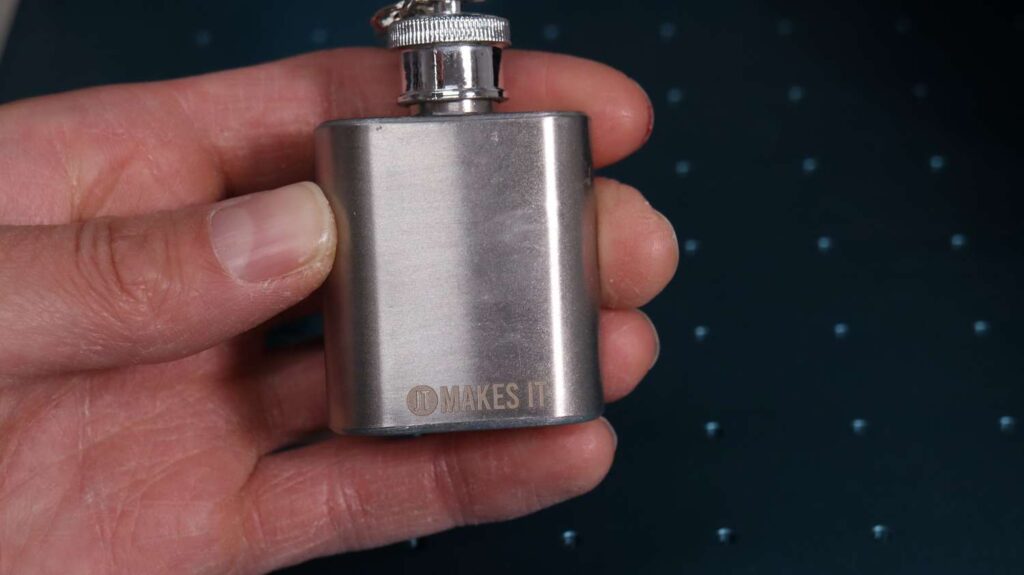
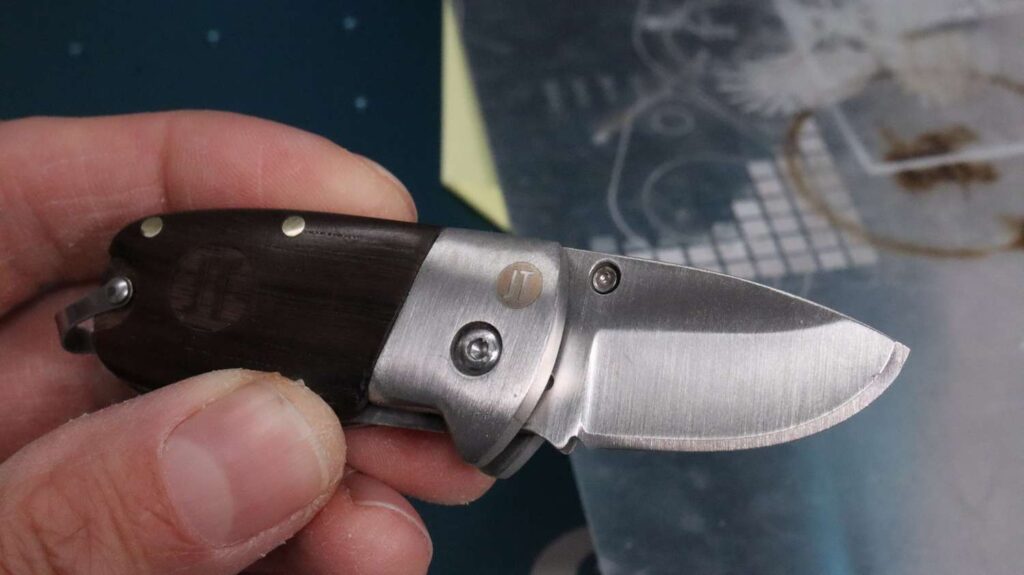
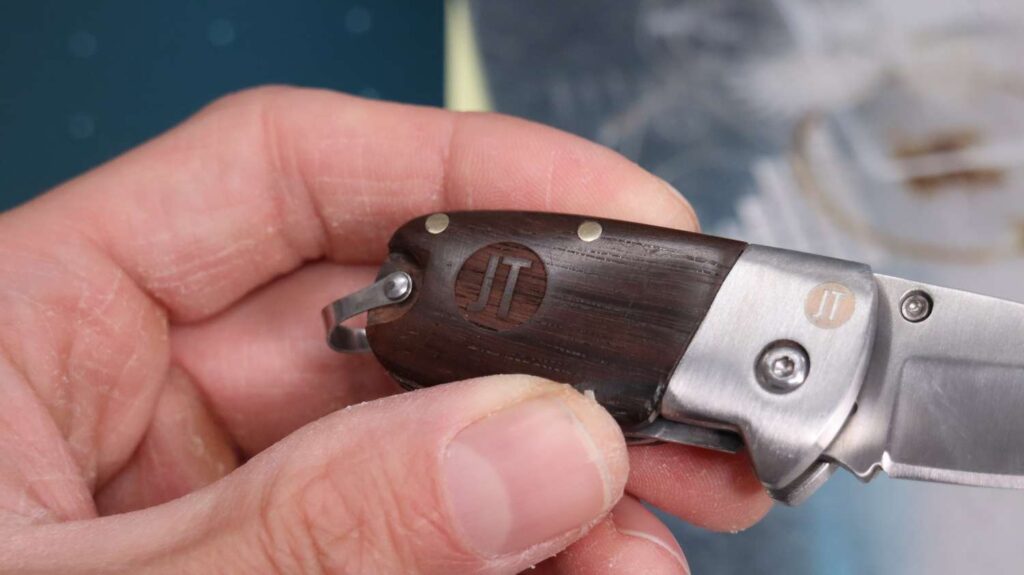
Similarly, stainless steel mini hip flasks and pocket knives turned out spectacularly. On a pocket knife, I achieved a deep engraving in the wooden handle alongside a razor-sharp logo on the stainless steel blade.
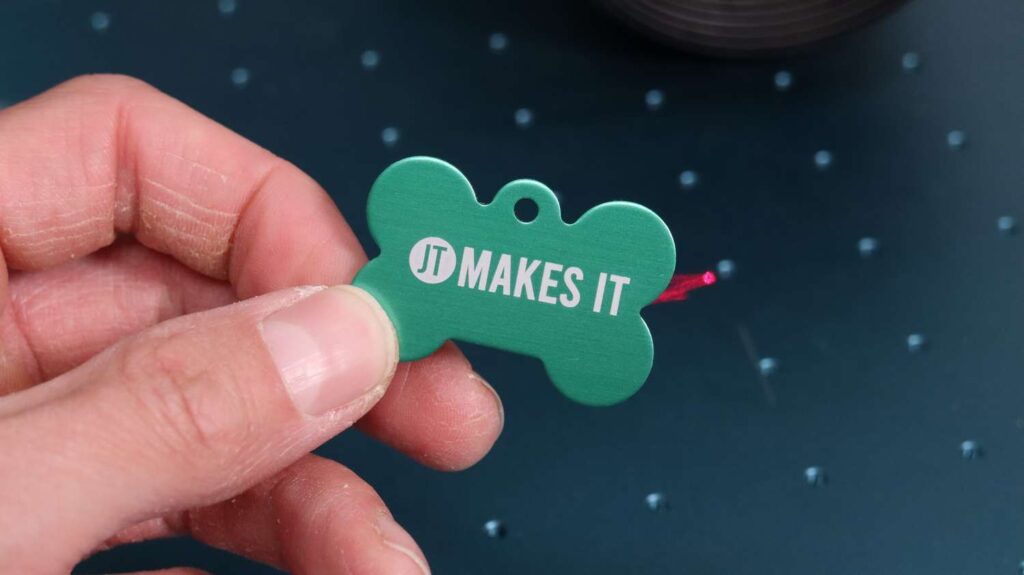
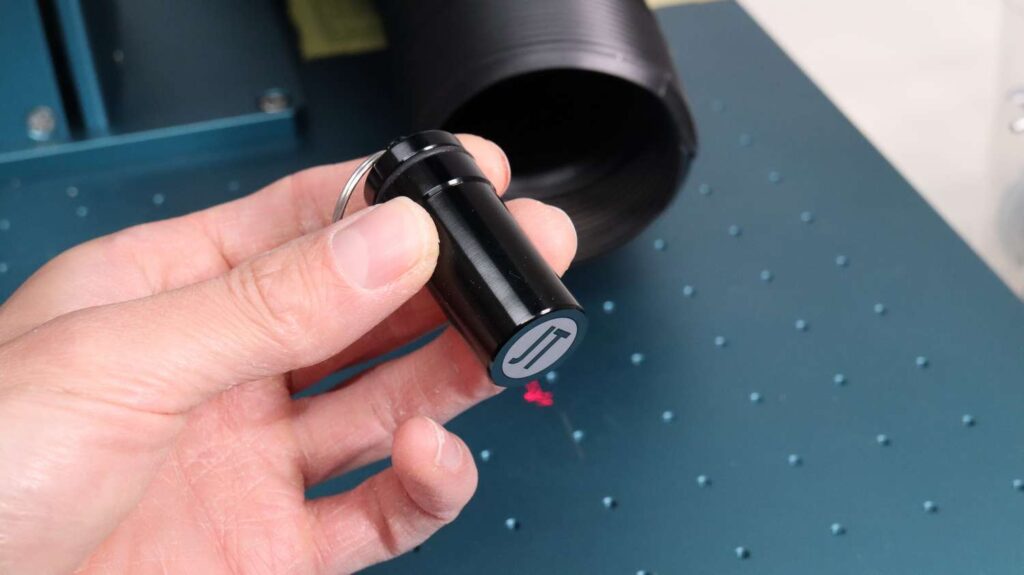
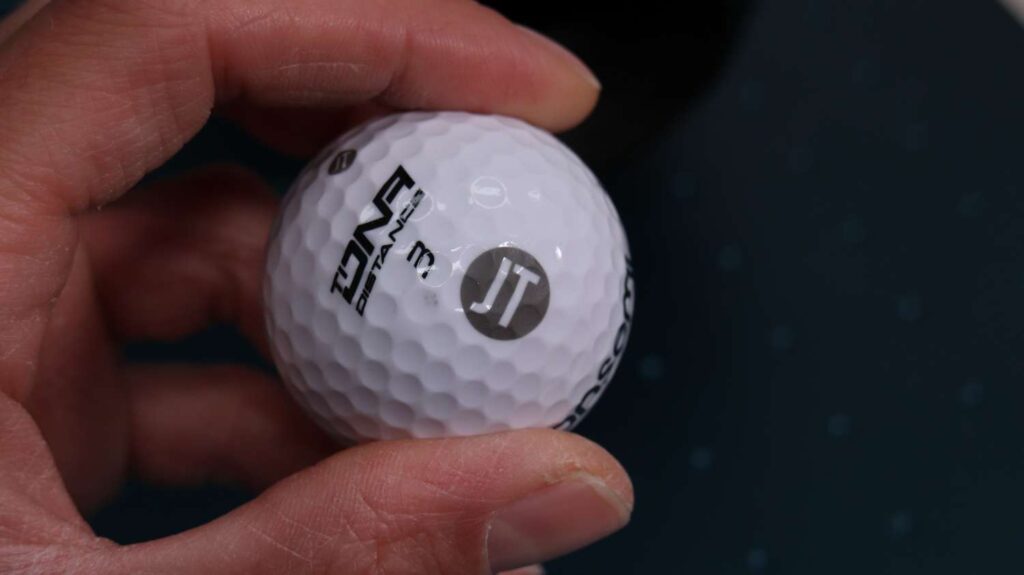
For custom keychains and dog tags, the machine handles anodized aluminum beautifully. Given the speed of this machine, a highly viable business model would be bringing the Sculpfun V5 to live events or dog shows to engrave personalized dog tags on demand. Other successful items included aluminum pill containers, earplug holders, and personalized golf balls, where the laser engraving proves far more durable than traditional pad printing.
Fabrics, Ceramics, and Advanced 3D Crystal Engraving
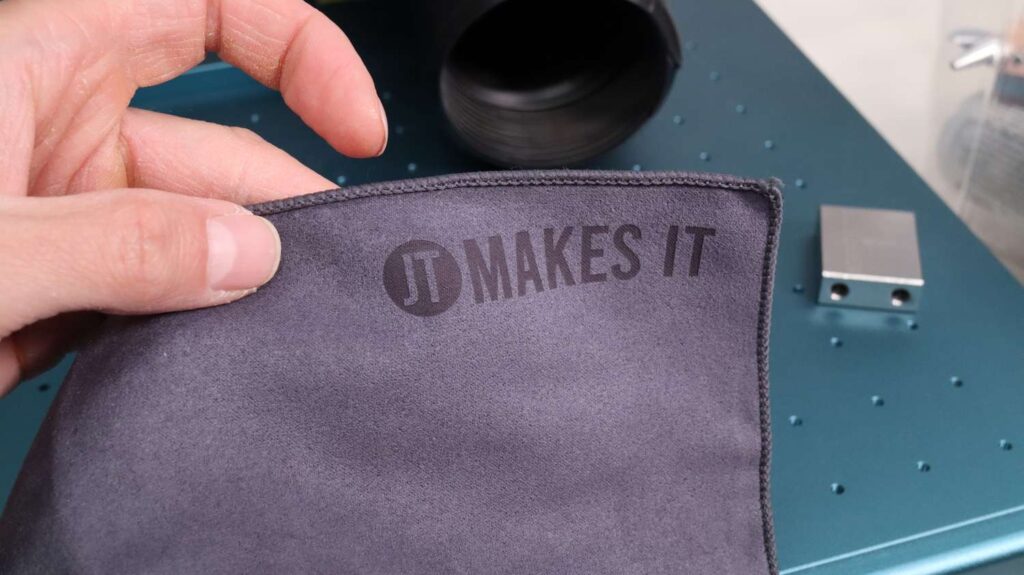
As seen in my previous deep-dives, fabrics like denim jeans and sports towels can be marked successfully. Laser-engraved sports towels present an excellent option for team merchandise or event gifts.
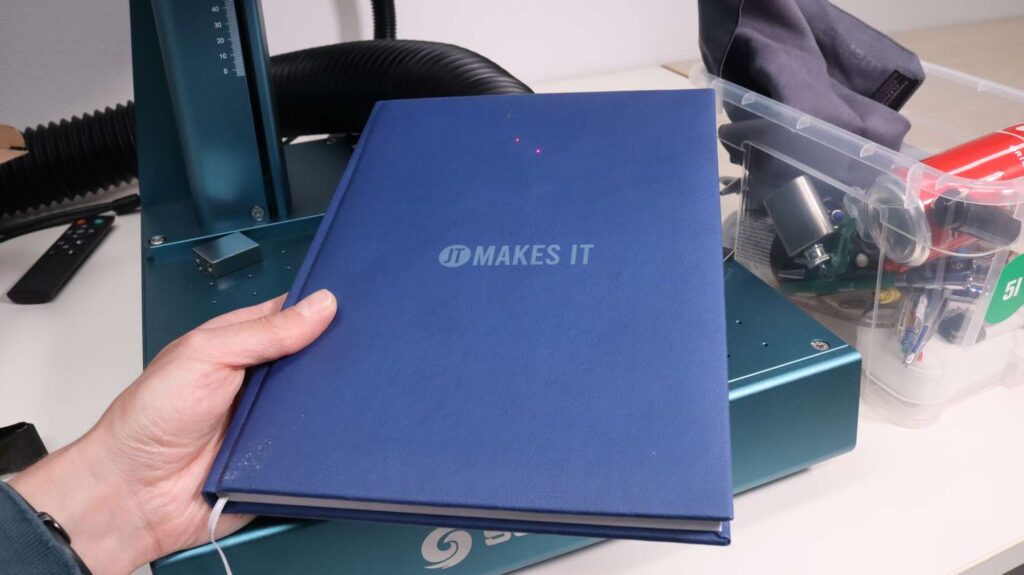
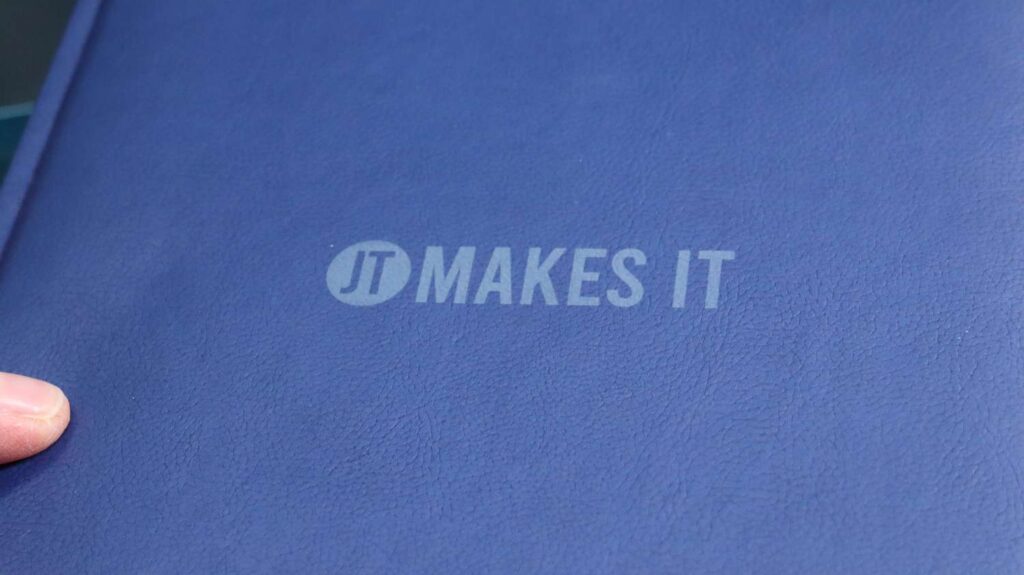
For corporate gift-giving, faux leather notebooks engrave beautifully,
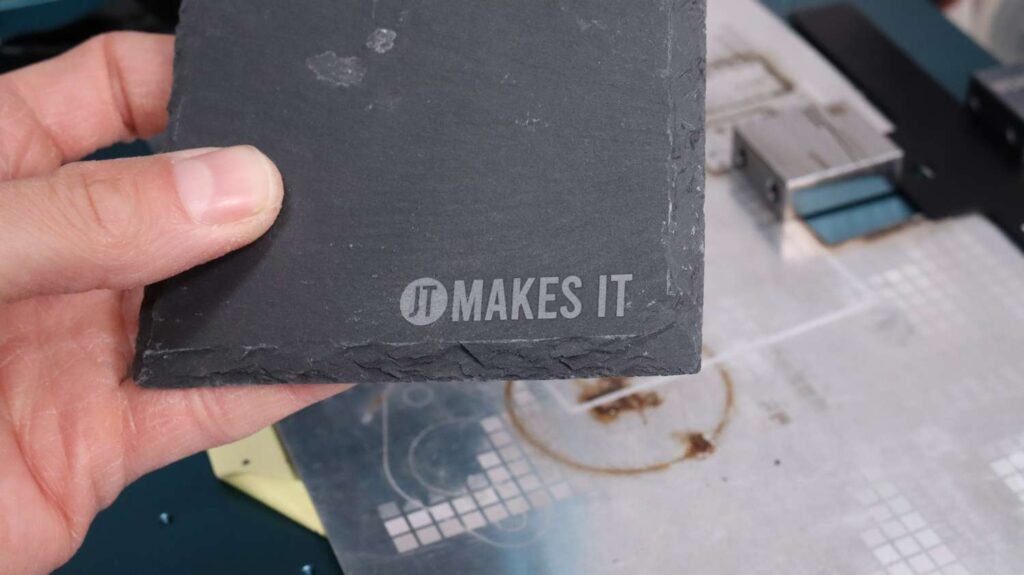
Slate coasters allow for substantial physical depth with longer runtimes.
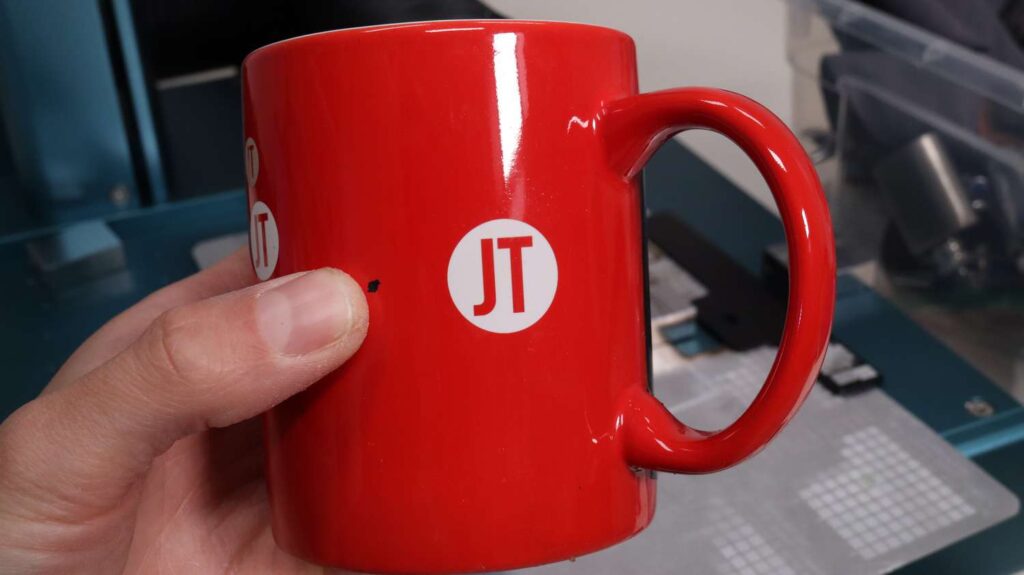
Ceramic mugs also look incredible, turning a bright, clean white, though high-quality ceramics yield far better consistency than cheaper alternatives.
Embedded Inner K9 Glass Crystal 3D Engraving For The Most Special Gifts
Finally, I swapped out the hardware for the 70mm lens to test embedded 3D crystal engraving. Here, another engineering benefit shines: by simply pressing a button on the laser head, you can instantly toggle the red positioning lasers to match the new focal length.
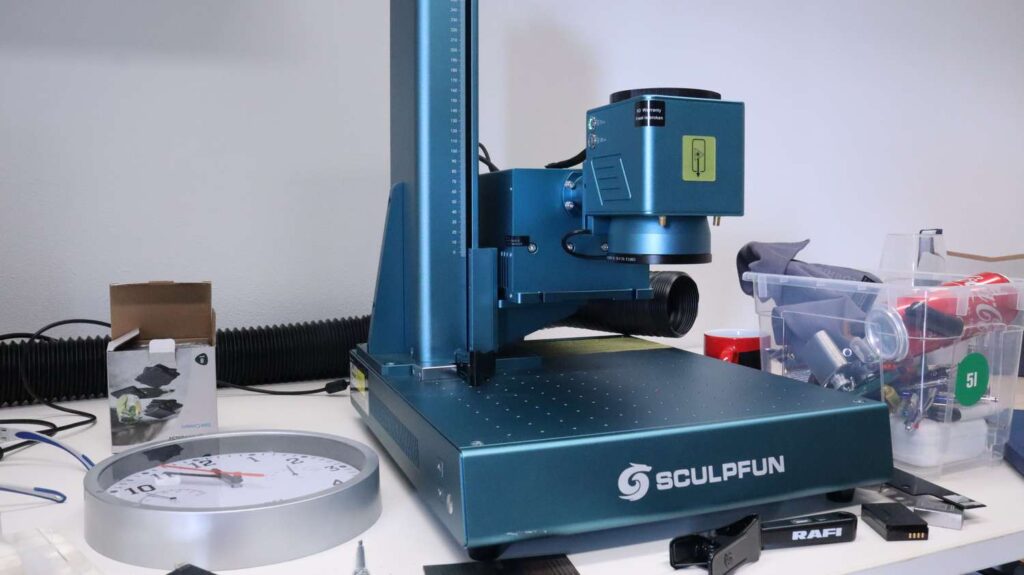
Because the 70mm lens requires a short focal distance, the head must be lowered significantly. The Sculpfun V5 Z-axis column allows the head to drop much further down than competing machines, completely eliminating the need for spacer blocks.
For this test, I utilized Sculpfun’s native SGD Laser software, which natively supports 3D embedded glass crystal engraving. The workflow is seamless: import your 3D model, set the glass dimensions, verify positioning using the red-light framing preview, and hit start. Using the official Sculpfun glass crystal kit, the entire 3D engraving took only about ten minutes to complete—far faster than the 30 minutes I had anticipated. Placed on an illuminated display stand from the Sculpfun Crystal Kit, the internal detail, depth, and clarity look absolutely premium.
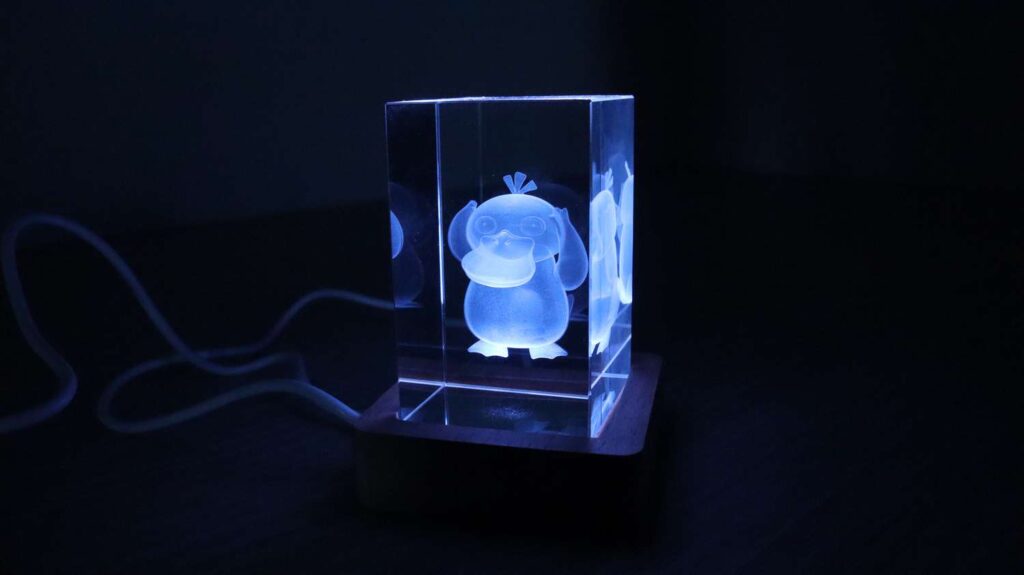
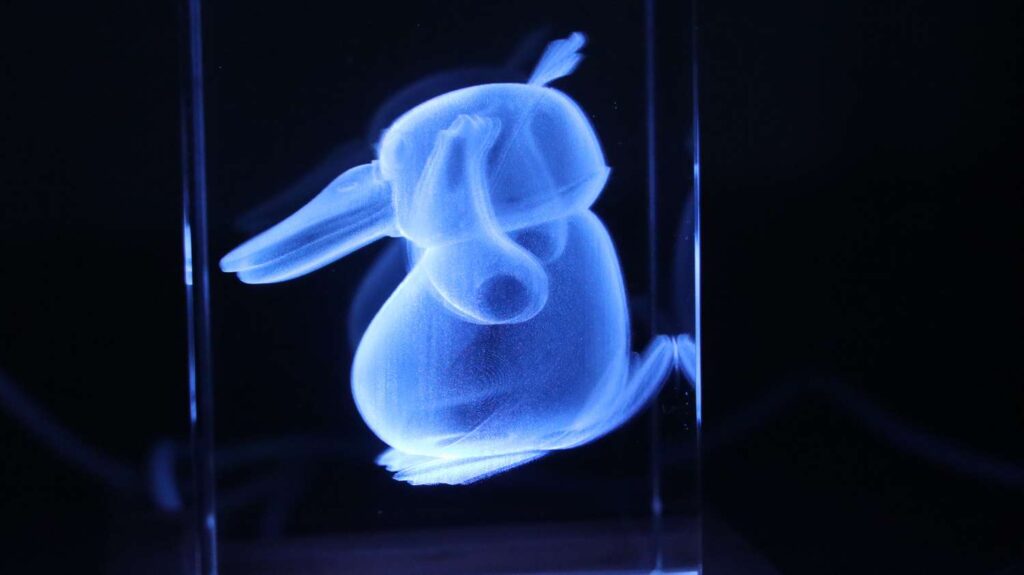
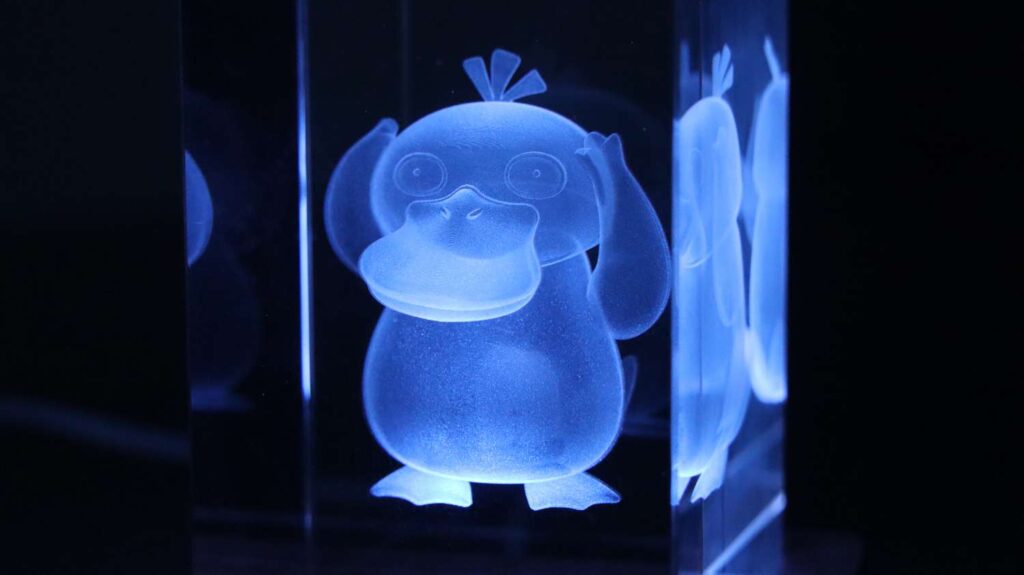
The final result looks incredible. Viewed from the front, the level of detail is truly impressive, with sharp features and excellent depth. As with all UV laser systems, the side profile appears slightly blurred, but that’s completely normal for this type of engraving technology.
Conclusion: Is the Sculpfun V5 Worth It?
If you’re looking for a versatile, high-speed UV laser marker capable of expanding your production capabilities or growing a custom merchandising business, this machine deserves a spot in your workshop.
You can get it in the Sculpfun Official Store! Use my custom discount code V5JT50 for 50$ off your order! Only until the end of July!
And if you want to stay in touch with our latest reviews, subscribe to our mailing list to get notified when we release new review articles!

This post was written by JT Makes It.
JT Makes It is an engineer, hobbyist, and DIY-er armed with a Master’s degree in Electrical Engineering and over a decade of professional experience in the industry. From an early age, JT Makes It was pushed by an insatiable curiosity, spending countless hours disassembling, understanding, improving, and creating various gadgets and products. This lifelong passion led to a broad spectrum of technical expertise ranging from electronics, woodworking, metalworking, and CNC machinery, with a particular focus on laser engravers.
For the past 9 years, he has shared his expertise through engaging videos on his YouTube channel. With the last three years dedicated to scrutinizing and testing laser engravers, he also created this website and emerged as a recognized authority in the field. His expertise extends across the spectrum of laser technologies, ranging from diode lasers, CO2 lasers, and fiber lasers, paying attention to details and providing practical insights.
With JT Makes It, expect a blend of technical expertise, backed with hands-on experience, and a genuine passion for innovation and creation, making him a trusted source in the realm of DIY and laser engraving enthusiasts alike.
*The links on this website can be affiliate links. I earn a small commission at no extra cost to you. When you buy through these links you will support this website, which helps me to run this website(which cost money and a TON of time) and provide all these extensive reviews and information to you for free, without any paid membership.





Leave a Reply